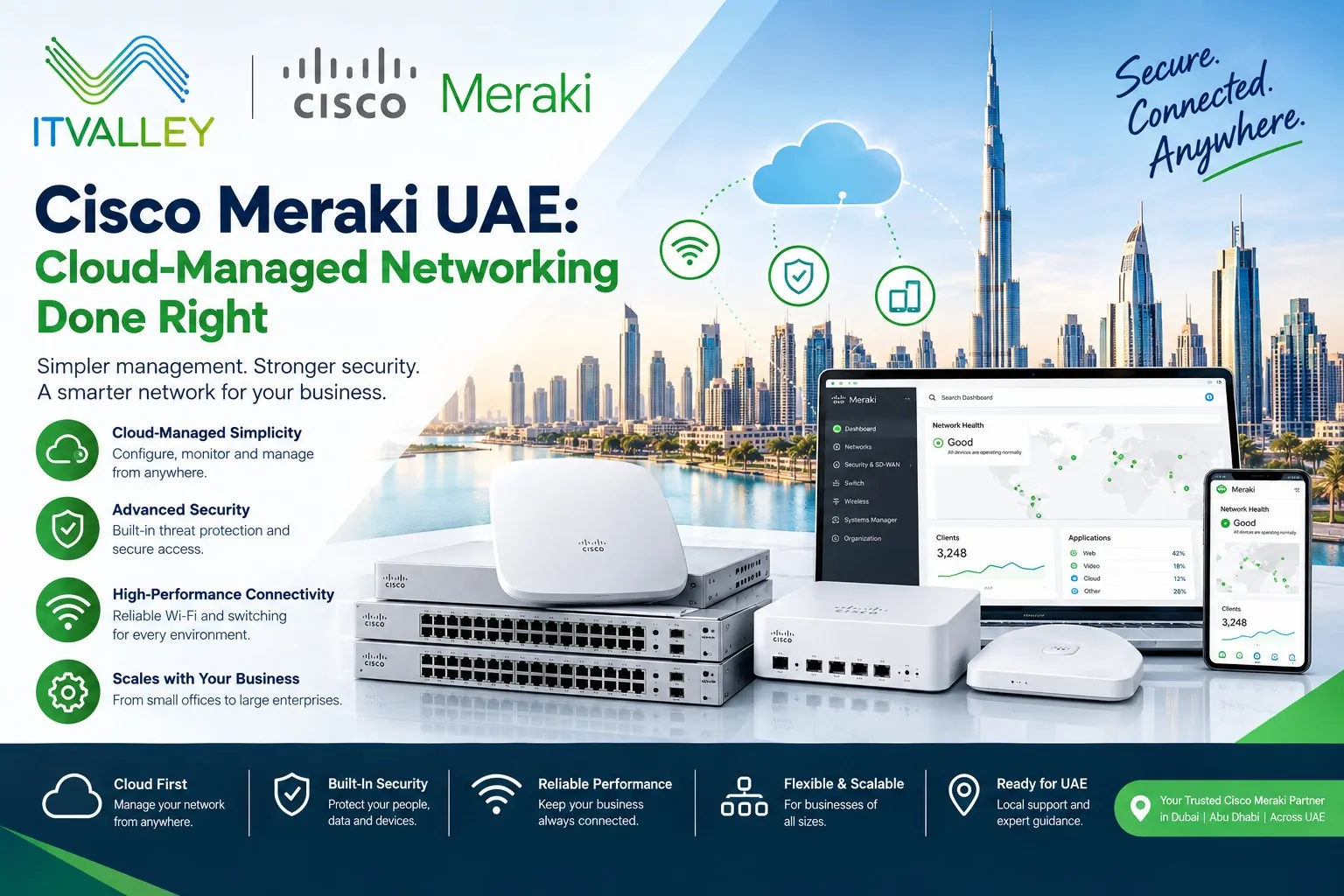
Cisco Meraki UAE: Cloud-Managed Networking Done Right
A lot of UAE businesses ask us the same question. Should we go with traditional Cisco switching, or move to Meraki instead? There’s no single right answer. It depends on how many sites you run, and how much time your IT team has to manage hardware by hand.
At IT Valley, we deploy Cisco Meraki UAE businesses use to run branch networks, retail sites, and multi-location offices from one dashboard. Comparing it to traditional Catalyst switching? Our guide to Cisco switches in the UAE covers that side in detail. This post is about Meraki. What it does well, and where it fits.
What Makes Meraki Different
Most enterprise networking gear needs someone physically on-site to configure it. Meraki flips that. Every device — firewall, switch, access point, camera — connects to Cisco’s cloud dashboard. One login shows your whole network, no matter how many UAE sites you run.
That matters a lot for retail chains, clinics, and multi-branch offices across Dubai, Abu Dhabi, and Sharjah. A new site can go live in hours, not days. Configuration gets pushed from the cloud the moment a device connects.
Meraki MX: Firewall and SD-WAN in One Box
The Meraki MX is the security appliance at the center of most deployments. It’s a firewall, but it also handles SD-WAN out of the box. No separate SD-WAN license, no separate box to manage.
For a UAE business running three or four branches, that’s a real advantage. Traffic routes itself across multiple internet links. If one connection drops, the MX fails over and nobody notices. We size the right MX model against your branch count and bandwidth, not a generic recommendation.
Meraki MS: Switching That Manages Itself
The MS series covers Meraki’s switch lineup, from small access switches to higher-density models built for larger sites. The pitch is simple. Once it’s on the dashboard, you don’t need to SSH into individual switches to make a change.
That’s a big deal for UAE companies without a dedicated on-site network engineer at every branch. Someone in Dubai can push a policy change to a switch in Fujairah without leaving their desk.
Meraki MR: Wireless Built for Dense UAE Offices
Wireless access points bring their own headache in busy UAE offices. Packed floors, thick concrete walls, dozens of devices per person some days. The MR series handles this with built-in RF tuning. The access point adjusts channel and power on its own, as conditions change.
Guest Wi-Fi, staff networks, and IoT devices all run through the same dashboard, with separate policies for each. That keeps a guest on the café Wi-Fi from ever touching your internal systems.
Meraki MV: Cameras That Skip the NVR
Security cameras are usually a separate headache. They come with their own recording box and their own software. Meraki MV cameras skip that. Footage stores right on the camera itself. It streams through the same dashboard as the rest of your network.
For a UAE retail chain or warehouse operation, this cuts out a whole layer of hardware. No NVR to maintain, no separate login for the security team to remember.
Licensing: What Actually Gets Billed
Meraki runs on a subscription model. Every device needs an active license to stay on the dashboard, and licenses typically run in one, three, five, seven, or ten-year terms. This surprises some UAE buyers coming from traditional Cisco gear, where the hardware itself was the main cost.
We walk clients through the real cost over the license term, not just the upfront hardware price. That’s the number that actually matters for a fair comparison against other vendors.
How IT Valley Handles a Meraki Deployment
Site assessment first. We check branch count, bandwidth, and device density before we recommend any model.
Licensing sized correctly. Matched to your real device count and renewal date. Never oversold.
Rollout that respects your sites. New locations get configured in the cloud, before the hardware even ships.
Ongoing dashboard management. We handle policy changes, firmware updates, and troubleshooting remotely, across every UAE site.
Frequently Asked Questions
Is Meraki better than traditional Cisco Catalyst switching? Neither one wins outright. Catalyst suits large, single-site networks with an on-site team. Meraki suits multi-branch businesses. It gives central control, without a network engineer at every site. Our Cisco switches UAE guide covers the Catalyst side in more depth.
Do we need a separate SD-WAN product with Meraki? No. The Meraki MX handles SD-WAN as a built-in feature, not an add-on. That’s one of the main reasons UAE businesses with multiple branches choose it.
What happens if a Meraki license expires? The device stops getting cloud management and updates. We track renewal dates for clients well ahead of time. Licenses never lapse unnoticed on our watch.
Talk to IT Valley About Cisco Meraki
Running one office or ten across the UAE, the right Meraki setup starts with an honest look at your sites and traffic. Get in touch with IT Valley’s Cisco-certified engineers for a straight assessment, no generic quote involved.