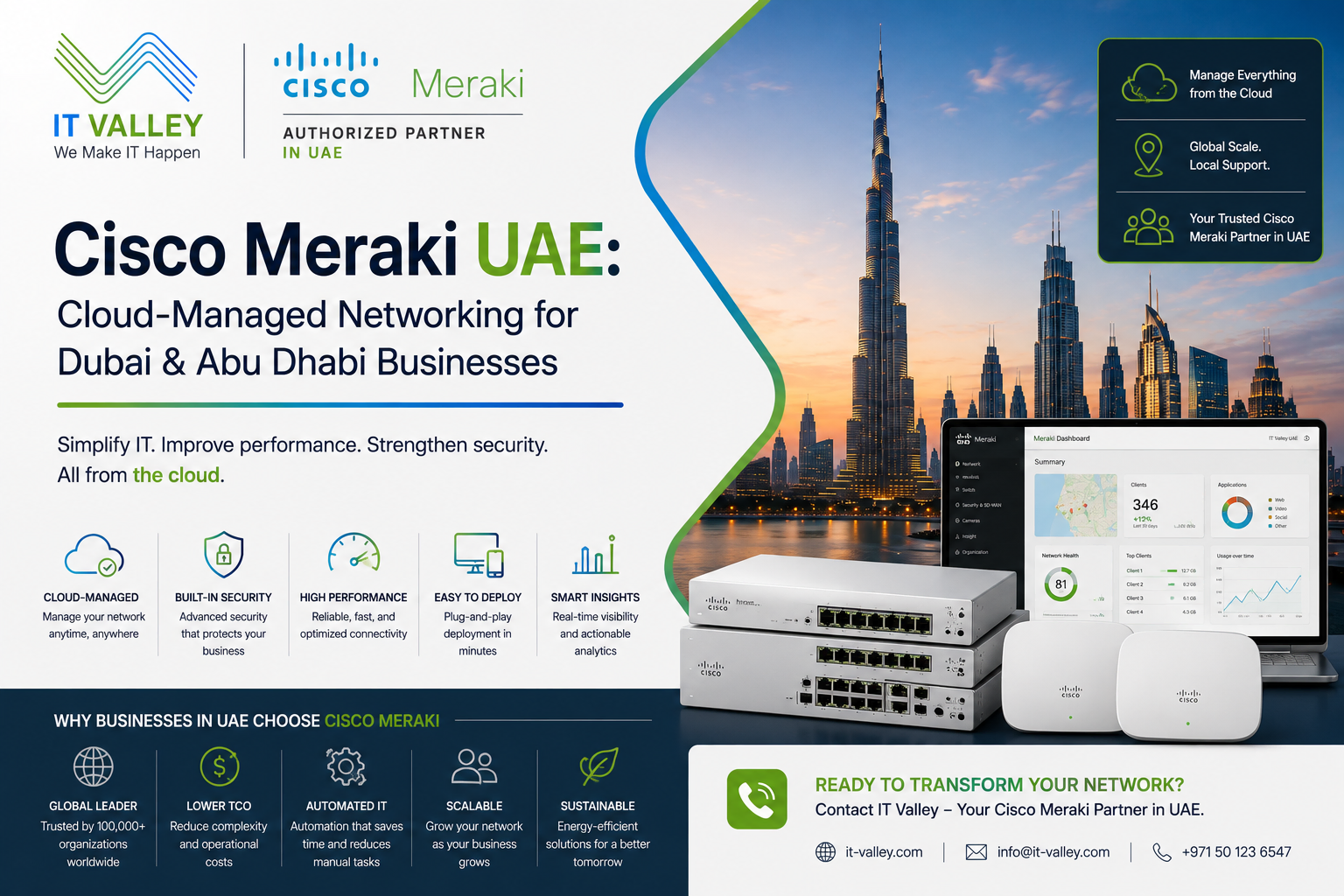
Cisco Meraki UAE: Cloud-Managed Networking for Dubai & Abu Dhabi Businesses
Cisco Meraki UAE — if that’s what you searched, you’re probably managing more than one location and wondering why networking across multiple sites is harder than it needs to be.
That’s exactly the problem Meraki was built for. IT Valley is a certified Cisco partner in UAE, and Meraki is one of the platforms we deploy most consistently for multi-site UAE businesses. But it’s not the right answer for every situation — and this article will tell you honestly when it is and when it isn’t.
What Makes Meraki Different
Traditional Cisco networking is powerful. It’s also complex. Configuring a Catalyst switch requires CLI knowledge. Managing firmware across dozens of switches at multiple sites requires someone to log into each one, or to maintain an on-premise management controller. When something breaks at a branch office in Abu Dhabi, someone either drives there or connects via jump server.
Cisco Meraki is a different model. Every Meraki device — switch, access point, security appliance, camera — is managed through a single cloud dashboard. No on-premise controller. No CLI for routine changes. No needing to be in the building to see what’s happening.
From one browser tab, your Dubai IT team can see every port on every switch, every connected device, every access point, and every security event across all your UAE locations simultaneously. Configuration changes push to all sites at once. Firmware updates happen automatically. Alerts come through before users call the helpdesk.
That visibility changes what’s operationally possible for UAE businesses with distributed environments — and it’s why retail chains, hospitality groups, and multi-branch enterprises across Dubai and Abu Dhabi consistently land on Meraki.
When Meraki Makes Sense — and When It Doesn’t
This is the part most Meraki resellers skip. So here it is.
Meraki is the right choice when your primary requirement is simplicity and visibility across multiple locations — not granular on-premise control. If you have non-technical staff managing branch offices, if your IT team is based centrally in Dubai and supporting locations across the UAE, or if you want one person to manage ten sites without specialised network engineering skills, Meraki delivers exactly that.
It’s less suitable when you have complex routing requirements, when you need deep CLI-level customisation, or when your organisation has policies against cloud-managed infrastructure. Some UAE government entities and regulated financial institutions fall into that last category — and for them, traditional Catalyst with DNA Center is the better path.
IT Valley will tell you which applies to your situation. We work with both platforms and have no interest in recommending Meraki to clients where it doesn’t fit.
Cisco Meraki Products IT Valley Deploys in UAE
Meraki Switches UAE
The Meraki MS switch series handles access and aggregation layer switching for UAE enterprise campuses and branch offices.
The MS120 and MS225 cover access layer requirements for most UAE SME and mid-market environments — standard port counts, PoE for access points and phones, and 10G uplinks for distribution connectivity. They’re straightforward to deploy and manage through the dashboard without CLI knowledge.
The MS350 and MS450 step up for larger environments — higher port density, more uplink capacity, and the PoE budget that high-density wireless deployments require. For Dubai enterprises running dense access point coverage across large office floors or hospitality spaces, these handle the power and bandwidth requirements cleanly.
One thing worth knowing: Meraki switches require an active cloud licence to function. The hardware doesn’t operate independently. That’s a business decision as much as a technical one — IT Valley helps UAE clients model the 3-5 year total cost of ownership before committing, because the licensing model changes the economics compared to traditional switch procurement.
Meraki Wireless UAE
Meraki MR access points are where the platform’s operational advantages are most visible.
Every access point reports back to the dashboard in real time — client count, signal quality, channel utilisation, and application traffic breakdown. When a user complains about Wi-Fi in a specific area, the dashboard shows you exactly what’s happening at that access point without dispatching someone to investigate on site.
The MR36 suits standard office deployments — reliable coverage, dual-band Wi-Fi 6, and the management simplicity that makes Meraki attractive. For higher-density environments — hospitality, conference centres, open-plan offices with hundreds of users — the MR46 and MR56 handle the client capacity and interference management that the MR36 approaches its limits on.
For UAE hospitality environments specifically, Meraki’s guest network configuration is practical. SSID isolation, bandwidth throttling per client, and splash page customisation all happen through the dashboard — without requiring a network engineer for each property.
Meraki Security Appliances UAE
The Meraki MX security appliance combines firewall, SD-WAN, VPN, content filtering, and intrusion prevention in one device managed through the same dashboard as your switches and access points.
For UAE businesses connecting branch offices to headquarters, the MX handles site-to-site VPN configuration in minutes — compared to the manual IPsec configuration that traditional routers require. Adding a new branch location means deploying an MX at the new site and having it connect automatically to the dashboard and the VPN mesh.
That auto-provisioning is why Meraki works well for UAE enterprises that are opening new locations regularly. The branch networking comes up without on-site IT support, which matters when your expansion locations are across the UAE or the wider Gulf region.
Meraki Systems Manager — Endpoint Management
Meraki Systems Manager extends the same cloud management model to endpoints — laptops, phones, and tablets. It handles device enrolment, configuration profiles, application deployment, and remote wipe.
For UAE enterprises with BYOD policies or remote workforces, Systems Manager provides the visibility and control that makes those policies enforceable rather than aspirational. IT Valley deploys Systems Manager for UAE clients as part of broader Meraki environments — not as a standalone product.
What IT Valley Does Beyond Supplying the Hardware
Meraki’s cloud management makes configuration accessible. It doesn’t make it automatic.
A Meraki deployment without proper VLAN design, QoS configuration, security policy, and access point placement is a cloud-managed network with no actual management benefit. The dashboard is powerful when the underlying network is designed correctly. It surfaces problems clearly when it isn’t.
IT Valley’s Meraki deployments cover site survey for wireless, network design including VLAN architecture and inter-VLAN routing, security policy configuration on MX appliances, VPN topology for multi-site environments, and dashboard configuration structured around how the business actually operates.
After deployment, we stay involved. Licence renewals, firmware management, configuration changes as the business grows, and dashboard monitoring that catches issues before users report them. Support is in Arabic and English, with on-site engineers across Dubai, Abu Dhabi, and all UAE emirates.
Meraki Licensing — What You’re Actually Paying For
Every Meraki device requires an active Enterprise or Advanced licence to operate. The licence tier determines which features are available — Advanced includes SD-WAN capabilities, enhanced security features, and more granular traffic analytics.
Licences run for one, three, five, or seven years. Longer terms cost less per year. IT Valley recommends the right term based on your organisation’s refresh cycle and growth plans — not the term with the highest margin.
When a Meraki licence expires, the device stops functioning. That’s different from traditional Cisco hardware, where the device continues to operate after support contracts lapse. It’s an important operational consideration, and IT Valley manages renewal timelines proactively for UAE clients.
FAQ: Cisco Meraki UAE
Is IT Valley a certified Cisco Meraki partner in UAE?
Yes. IT Valley is a certified Cisco partner serving Dubai, Abu Dhabi, and all UAE emirates — supplying and deploying genuine Cisco Meraki hardware with official warranty and direct Cisco support escalation.
What’s the difference between Cisco Meraki and Cisco Catalyst for UAE enterprises?
Catalyst uses on-premise management — more control, no subscription dependency, but requires CLI expertise and local management infrastructure. Meraki uses cloud management — simpler to operate across multiple sites, but requires active annual licences. The right choice depends on your team’s capabilities and how many locations you’re managing.
Does Meraki work for UAE enterprises with data residency requirements?
Meraki’s cloud management infrastructure is hosted by Cisco. For UAE organisations with strict data residency requirements, this is worth discussing before deployment. For most Dubai and Abu Dhabi enterprises, it’s not a blocking concern — but for certain UAE government entities and regulated financial institutions, traditional Catalyst may be the more appropriate choice.
How quickly can a new branch location be connected to Meraki in UAE?
A new branch location with an MX security appliance can be connected to the existing Meraki dashboard and VPN mesh within hours of the device being powered on — without requiring on-site network engineering. That’s one of Meraki’s strongest operational advantages for UAE enterprises expanding to new locations.
Does IT Valley manage Meraki environments after deployment?
Yes. IT Valley provides ongoing Meraki management for UAE clients — licence renewals, firmware updates, configuration changes, dashboard monitoring, and incident response. That ongoing relationship is where the operational value of Meraki’s visibility is most useful.
Get Your Cisco Meraki UAE Quote Today
Tell us how many sites you’re managing, what problems you’re trying to solve, and what your current networking infrastructure looks like. We’ll come back with a Meraki configuration recommendation and honest pricing — same business day.