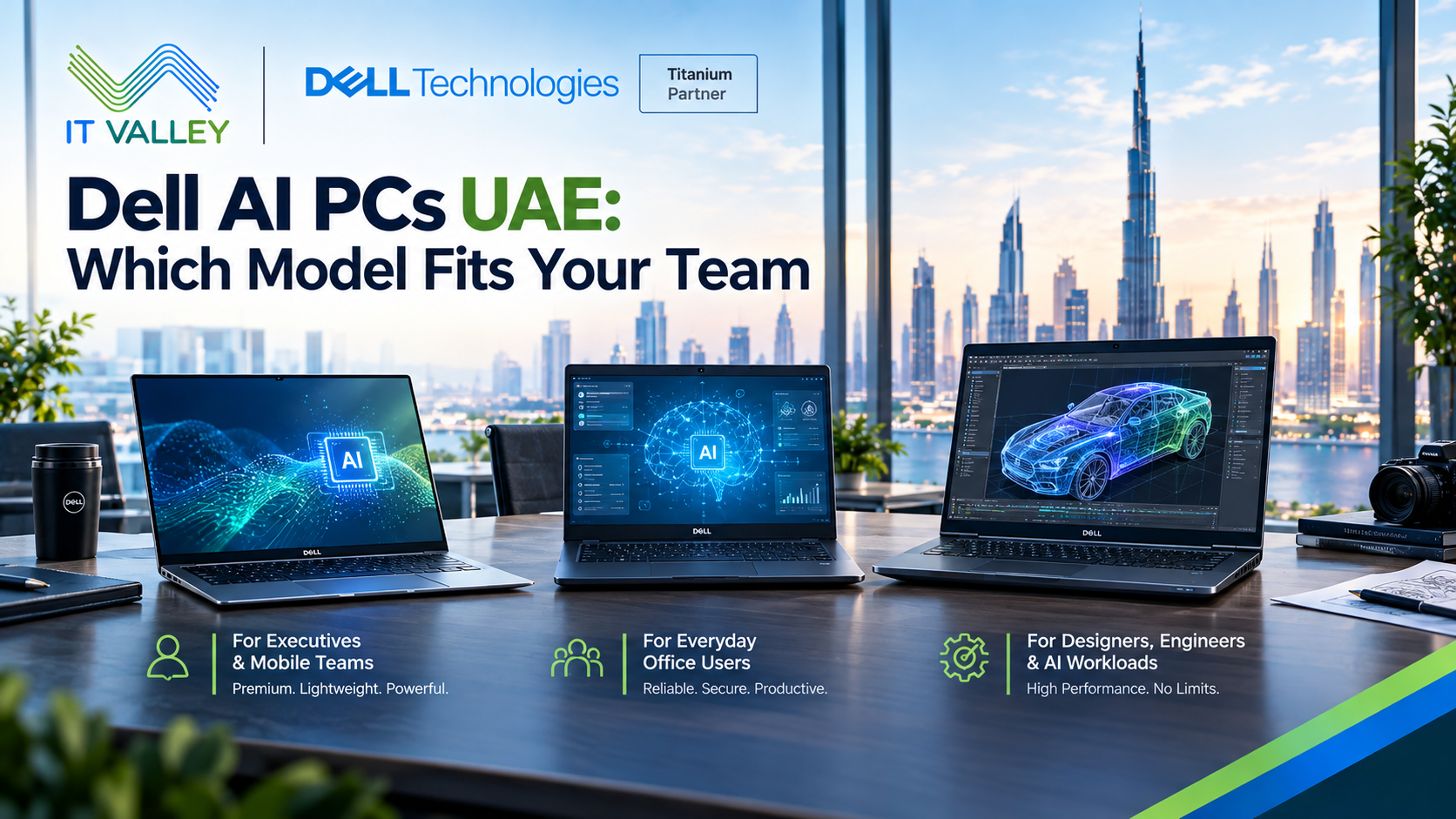
Dell AI PCs UAE: Which Model Fits Your Team
Dell AI PCs UAE buyers keep asking us the same thing. Is an AI PC a real upgrade, or just a new sticker on a normal laptop? The honest answer is somewhere in the middle. Some staff will notice a real difference. Others won’t. Knowing which is which can save a company a lot of money on a fleet order.
IT Valley is a Dell partner in the UAE. This guide explains what an AI PC actually is, which Dell models fit which jobs, and what to check before you buy. For the wider laptop range, see our Dell Laptops UAE page.
What Makes a PC an “AI PC”
The key part is the NPU, short for neural processing unit. It’s a small chip built to run AI tasks using very little power. Your normal processor and graphics chip can do AI work too, but they use more battery while doing it.
Dell says the NPU handles AI features without the battery drain of CPU-based or GPU-based approaches. In practice, that means things like live captions, background blur on video calls, and on-device assistants can run all day without draining the laptop.
Standard AI PC or Copilot+ PC?
This is where buyers get confused. A standard AI PC has an NPU, but it may be a modest one. A Copilot+ PC is a specific Microsoft category with stricter rules.
Dell notes that Copilot+ PCs need an NPU running at 40 or more TOPS, along with at least 16GB of memory and 256GB of storage. TOPS is simply a measure of AI speed. Some Copilot+ features also arrive through updates that roll out over time, and the timing varies by device and region.
That last point matters in the UAE. Before you choose a Copilot+ PC for a particular feature, check that the feature is available in your region and in the language your staff use, including Arabic.
Dell’s Three Families in Plain Language
Dell sorts its PCs into three simple groups.
Dell is aimed at everyday work, school, and home use. Dell Pro is for professional productivity, and it’s the family most UAE businesses should start with. Dell Pro Max is for maximum performance, with stronger graphics and more memory.
Above these sit the Dell Pro Precision workstations, built for demanding technical work. Knowing these four names helps you read a quote quickly.
Matching Models to Roles
Most companies don’t need the same laptop for everyone. Here’s how we usually match them.
Executives and sales managers. Dell Pro Premium is designed for people who travel and present often. Dell describes it as its lightest Dell Pro laptop, with Copilot+ PC features. It suits anyone who values weight and battery life over raw power.
Consultants and client-facing staff. Dell Pro 7 is built for people who want portability without giving up capability. It’s a good middle path.
General office staff. Dell Pro 14 and Dell Pro 16 cover most everyday needs. Options include AMD Ryzen AI PRO processors and Copilot+ PC configurations, and the chassis passes MIL-STD durability testing.
Fixed desks and shared spaces. The Dell Pro 5 Micro is a small desktop. Dell calls it its first mainstream Copilot+ desktop, with a 50 TOPS NPU. It suits reception areas, call centers, and space-constrained offices.
Developers, designers, and data teams. These users need more than an NPU. A Dell Pro Max or Dell Pro Precision laptop with a dedicated graphics card gives them the power to run bigger workloads locally.
Running AI Models on the Laptop Itself
One of the most useful features is on-device AI. Dell says Copilot+ PCs and AI PCs with capable NPUs or discrete graphics can run smaller, optimized language models on the device itself, for private, offline use.
That matters for privacy. When the model runs on the laptop, the text never leaves the machine. For UAE firms that handle contracts, patient notes, or financial data, that’s a real benefit. It doesn’t replace a proper data policy, but it removes one risk.
For larger models or heavy development, Dell points to Pro Precision or Pro Max workstations with a discrete GPU and plenty of memory.
A Note on the New Pro Precision Naming
If you’ve read about Dell’s deskside AI systems, the names changed recently. In October 2026, Dell announced that Dell Pro Max with GB10 and Dell Pro Max with GB300 are now called Dell Pro Precision with GB10 and Dell Pro Precision with GB300.
Dell says the GB10 version offers up to one petaflop of FP4 computing power and supports models of up to 200 billion parameters. These are small desktop systems for teams building AI tools, not everyday office machines. If a supplier quotes you the old names, ask which product they mean.
Do Your Staff Really Need One?
We’d rather be direct. Not every employee needs an AI PC today. If someone uses email, documents, and video calls, a standard Dell Pro laptop does the job well.
That said, AI PCs make sense when you’re already refreshing laptops. The extra cost is often small, and the machines will stay useful longer as more software adds AI features. Buying AI-ready hardware during a normal refresh is far easier to justify than a special project.
Manageability and Security for IT Teams
For IT, the questions are practical. Can we manage these devices at scale? Do they support our security tools? Dell Pro models include business features such as Windows 11 Pro and Intel vPro options, which help with remote management.
We also suggest asking about warranty and support terms for each model. A fleet of two hundred laptops needs a clear plan for repairs and replacements, not just a good price.
A Short Checklist Before You Order
Before placing an order, ask yourself five questions.
Which roles will really use on-device AI features? Are the features you want available in your region and language? Do any users need a dedicated graphics card? How many years do you plan to keep these machines? Who will manage and support them?
Honest answers usually split a company into two or three groups, and each group gets a different model.
How IT Valley Helps
Role-based recommendations. We match models to how each team works, not a single standard for everyone.
Genuine hardware. Every unit comes through official channels with warranty.
Fleet configuration. Devices arrive set up and ready for your team.
Local support. UAE-based engineers handle deployment and troubleshooting.
Frequently Asked Questions
Is a Copilot+ PC worth the extra cost? For staff who use AI features daily, often yes. For others, a standard Dell Pro laptop is enough. We check which features your team will really use.
Can an AI PC run a chatbot offline? Smaller, optimized models can run on capable AI PCs. Larger models need a workstation with a dedicated graphics card.
Can IT Valley confirm availability and lead times? Yes. Configurations and stock vary by model and region, so we confirm both in the quote.
Talk to IT Valley About Dell AI PCs
Planning a laptop refresh and wondering where AI fits? Get in touch with IT Valley. We’ll help you choose the right model for each role, without overspending.