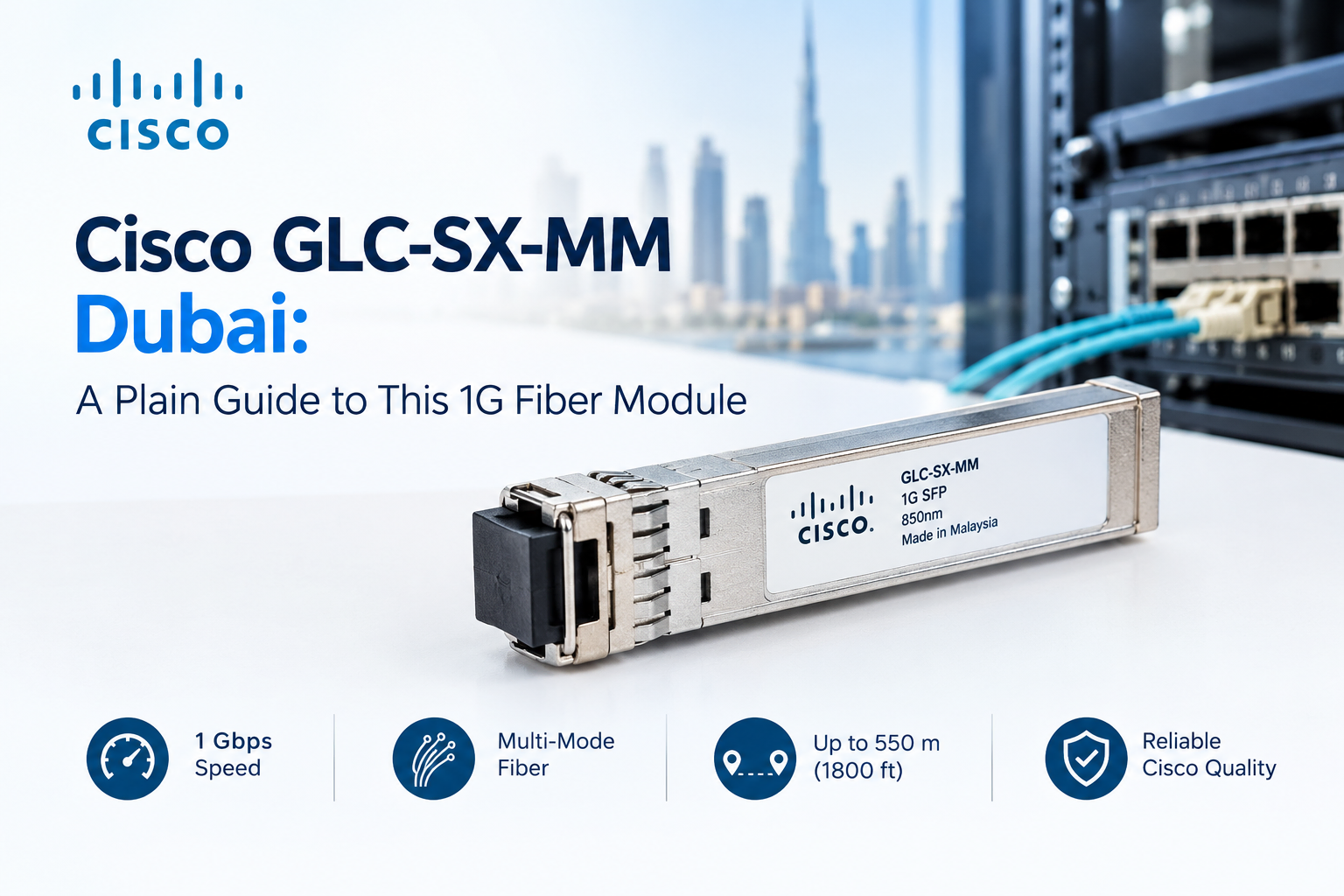
Cisco GLC-SX-MM Dubai: A Plain Guide to This 1G Fiber Module
Cisco GLC-SX-MM Dubai searches usually come from someone with a very specific problem. A switch has an empty SFP port, a fiber cable runs to the next room or the next floor, and the link needs to come up. The part number looks like code, so people want to know what it means before they spend money.
IT Valley is a certified Cisco partner in the UAE. This guide explains the GLC-SX-MM in plain language. What it does, where it works, where it doesn’t, and what to check before you buy one.
What the Part Number Means
The name looks complicated, but it’s easy to read once you split it into three parts. GLC stands for a Gigabit module with an LC connector, SX means short wavelength, and MM means multimode fiber.
Put together, the GLC-SX-MM is a 1000BASE-SX SFP transceiver. It converts the electrical signal from your switch into light, sends that light down a fiber cable, and converts it back at the other end. It runs at 1 Gbps and uses an 850 nanometer light source.
How Far Can It Reach?
This is the question we hear most. According to the Cisco datasheet, the module works on 50 micron multimode fiber up to 550 meters. On older 62.5 micron fiber, the distance drops to about 220 meters.
Those are maximums under good conditions. Real links lose some signal at every connector and splice, so a long run with many connections may fall short. For most buildings in Dubai, the distances are much shorter. A link between floors or between two rooms is usually well within range.
Where It Fits
The GLC-SX-MM suits short links inside a building or between nearby buildings on one site. Typical uses include a switch uplink between floors, a connection from a floor switch to the main equipment room, or a link between a switch and a nearby server rack.
It works over multimode fiber only. That’s the thicker fiber commonly used inside buildings. It won’t work over single-mode fiber, which is used for longer distances between sites. We’ll come back to this mistake, because it’s one of the most common.
What Dubai Buildings Mean for Fiber Choices
Dubai has many high-rise towers, and most of them use vertical fiber risers that run from the basement equipment room up through the floors. Distances inside a single tower are usually short enough for multimode fiber and 1G optics, which makes this module a common choice.
The surprise often comes with older buildings, or with fit-outs where fiber was installed years ago. The cable may be an older type of multimode fiber with a shorter reach. Before you order, find out what’s actually installed by asking for the cable documents or having a technician test the fiber.
Heat is another local factor. A hot, poorly cooled equipment room is hard on any electronics, including optics. Check the operating temperature of the module against the real conditions in the room. A ruggedized version, the GLC-SX-MM-RGD, exists for tougher environments.
GLC-SX-MM or GLC-SX-MMD?
You’ll see both names in quotes, and the difference matters. The GLC-SX-MMD is the newer version. It has the same optics, the same 850 nanometer light, and the same reach. The addition is DOM, short for digital optical monitoring.
DOM lets your switch read live information from the module, such as temperature, power levels, and voltage. That helps you spot a failing link before it drops. For a business that cares about uptime, it’s useful.
The GLC-SX-MM is generally treated as the older part, and availability can change, so check Cisco’s current status before you standardize on it. For new orders, we usually quote the MMD.
The two can work together on the same link, because the optics match. The only difference is that the MMD end can report monitoring data back to the switch.
Common Mistakes We See
Most failed fiber links come from simple causes, and these are the ones we meet most often.
Using it on single-mode fiber. The GLC-SX-MM is for multimode only, so if your cable is single-mode, you need a different module, such as a long-reach one.
Mismatched ends. Both ends of a link must use the same type, which means an SX module at one end and an LX module at the other will not connect.
Dirty connectors. A speck of dust on a fiber end can block enough light to break a link, so clean the connectors before you plug them in.
Exceeding the distance. A link that’s too long may flicker or fail under load. Test the real distance instead of guessing it.
Bent or damaged fiber. Tight bends can cause signal loss, so handle the cable gently.
Will It Work in My Switch?
In general, Cisco SFP modules work in Cisco switches that have SFP ports, but not every module is supported on every model. Cisco publishes compatibility information for each platform, and it’s worth checking before you order.
Also confirm that your switch has SFP slots and not only SFP+ slots. Many SFP+ ports accept 1G modules, although this depends on the model. If you’re unsure, send us the switch model and we’ll check it for you.
Genuine, Compatible, or Counterfeit?
Price differences for SFP modules can be large, and that leads to three kinds of product.
Genuine Cisco modules come through official channels, carry full support, and are fully recognized by Cisco equipment.
Third-party compatible modules are made by other companies to work with Cisco gear. Many work well, but Cisco equipment may show warnings, and Cisco support may ask you to swap a third-party module out while troubleshooting.
Counterfeit modules copy the Cisco label but aren’t real, and they carry real risk. They can fail early, give unstable links, and cause problems that are hard to trace.
For important links, we suggest genuine modules. For less critical ones, a quality compatible module may be acceptable if you understand the trade-off.
What About Price?
We don’t list prices here, because they change with stock, quantity, and supplier. What we can say is that the cheapest listing deserves a second look. Ask whether the module is new, whether the seller can share serial numbers, and whether support applies to it.
A module that costs a little less but fails within six months is not a saving, especially when the link feeds a whole floor of staff.
Planning Ahead: Will You Need 10G Soon?
The GLC-SX-MM is a 1G module. If your network is growing, ask whether you’ll need 10G in the near future. Many 10G modules use the same 850 nanometer light and multimode fiber, so good fiber installed now can carry you through an upgrade.
Planning for this early can save you from running new cable later. We’re happy to review your fiber and your switch models together.
How IT Valley Helps
Genuine modules. Sourced through official channels, with serial numbers shared on request.
Compatibility checks. We confirm the module works with your switch model.
Fiber advice. We help you check what’s installed before you order.
Local support. UAE-based engineers for installation and troubleshooting.
Frequently Asked Questions
Can I use a GLC-SX-MM with single-mode fiber? No. It’s made for multimode fiber. Single-mode links need a different module.
Is the GLC-SX-MM the same as the GLC-SX-MMD? The optics are the same. The MMD adds digital monitoring.
Can IT Valley confirm stock and lead time in Dubai? Yes. Stock changes often, so we confirm availability in the quote.
Talk to IT Valley About Your Fiber Links
Not sure which SFP you need? Send us your switch model and fiber details. We’ll tell you what works and give you a straight quote.