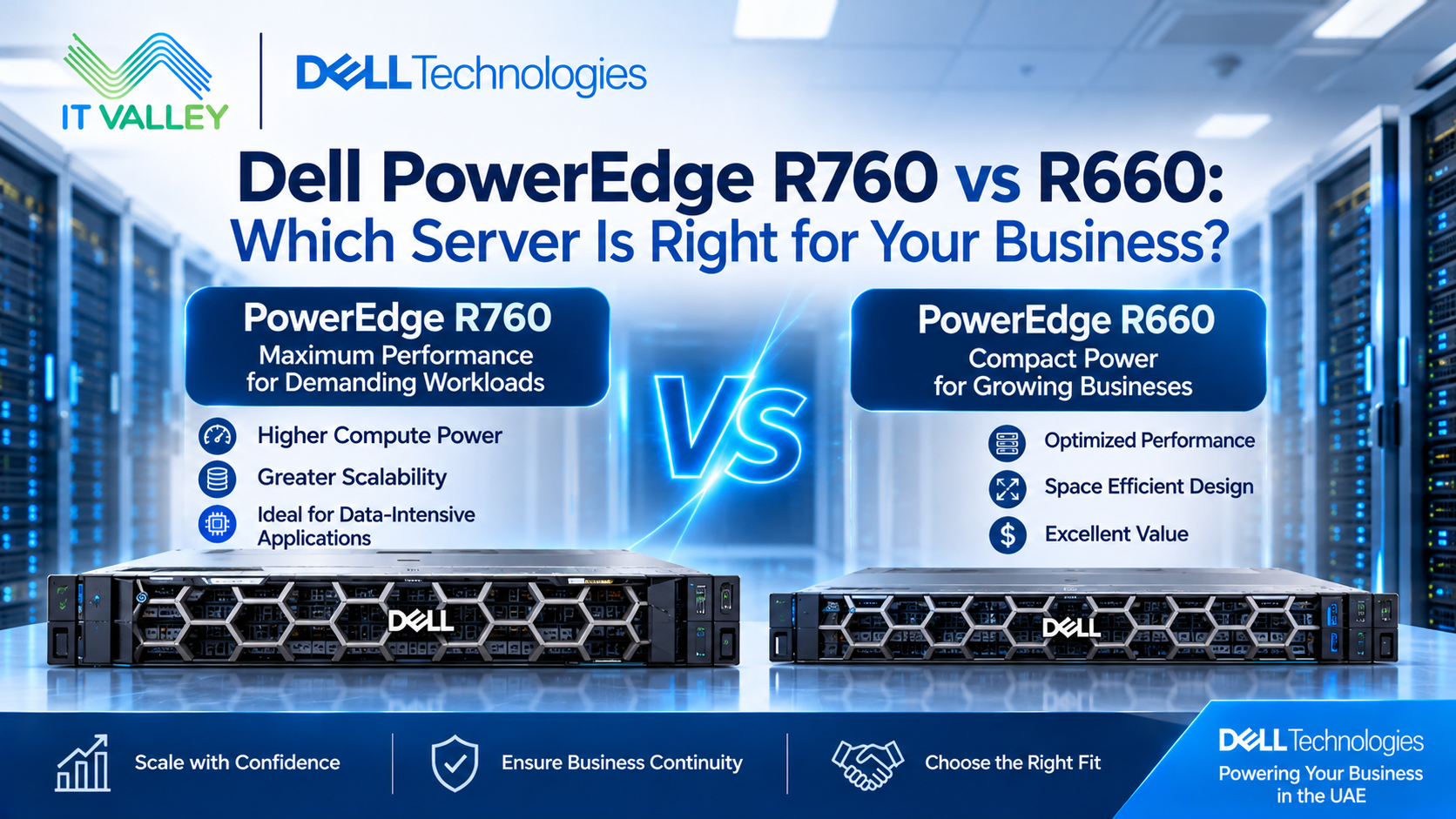
Dell PowerEdge R760 vs R660: Which Server Is Right for Your Business?
Dell PowerEdge R760 vs R660 is the comparison many UAE IT teams reach after the shortlist is already down to two. Both servers look alike on paper. Both are dual-socket rack servers from Dell’s 16th generation, built on the same Intel Xeon family. So why do the prices, the configurations and the day-to-day experience differ? The answer is mostly size, and what that size lets you fit inside. This guide compares them for virtualisation, databases and business applications, and explains how to size a configuration for your workload and budget. It comes from IT Valley, a Titanium Dell Partner with a Dubai office.
R760 vs R660 at a glance
The main difference is height. The R660 is a 1U server, and the R760 is a 2U server. A 2U chassis is twice as tall, so it holds more drives, more expansion cards and larger GPUs. Everything else is similar. According to Dell’s spec sheets for the R660 and the R760, both support:
up to two 4th Generation Intel Xeon Scalable processors with up to 56 cores, or two 5th Generation processors with up to 64 cores
32 DDR5 RDIMM slots, with up to 8 TB listed
memory speeds of up to 4800 MT/s on 4th Gen and 5600 MT/s on 5th Gen processors
So processing power and memory capacity don’t separate them. Expansion does.
Specification comparison: size, storage, PCIe and GPUs
Storage. The R660 supports up to ten 2.5-inch SAS, SATA or NVMe drives, according to Dell. The R760 supports up to twelve 3.5-inch SAS or SATA drives, or up to twenty-four 2.5-inch drives, plus up to twenty-four NVMe U.2 drives in some layouts. If you need large local capacity or many fast drives, the R760 has the room.
PCIe slots. The R660 offers up to three PCIe slots. The R760 offers up to eight, depending on the riser configuration. That gap matters in practice, because network cards, Fibre Channel adapters and GPUs all use those slots.
GPUs. Dell lists up to three single-wide 75 W GPUs for the R660. For the R760, it lists up to two double-wide 350 W GPUs or up to six single-wide 75 W GPUs. If AI inference or graphics acceleration is on your roadmap, this is where the R760 pulls ahead.
Footprint. The R660 saves rack space. In a colocation facility where you pay by the rack unit, two R660 servers occupy the same space as one R760.
Cooling and power. High-wattage processors and GPUs need more airflow and power headroom. Confirm both before you order, especially if you plan to fill the server with accelerators.
Which is better for virtualisation?
Both can run VMware, Microsoft Hyper-V and Nutanix. The decision comes down to what each host needs around the CPU and memory.
Choose the R660 for compute-dense clusters where hosts use shared storage, such as a SAN or a hyperconverged layer on other nodes. You need few drives, and two network cards and a storage adapter fit in three slots. It uses less rack space per core.
Choose the R760 when hosts need local drives, such as a vSAN or software-defined storage design, or when you want several network adapters, a Fibre Channel card and maybe a GPU in one host. The extra slots and bays reduce compromises.
A practical test: list the cards and drives one host needs. If the list doesn’t fit in three slots and ten bays, the R760 is the better choice. If you’re reviewing your platform, our virtualisation team can help you compare the options first.
Which suits databases and enterprise applications?
Databases care about memory, storage speed and processor frequency. Both servers offer the same memory and processor options, so the difference is storage and slots.
The R760 is the more natural database host. It offers more NVMe capacity locally, space for extra network cards, and room for a RAID or NVMe layout that separates data, logs and temporary files. It also suits ERP platforms with large local datasets.
The R660 works well for smaller databases, read-heavy workloads, application servers and front-end tiers, particularly when data sits on external storage. Many companies use R660 servers for the application layer and R760 servers for the database layer.
Whichever you choose, check three things. First, your software licence, because it usually counts cores, so a higher-frequency processor with fewer cores can reduce licence cost. Second, the application vendor’s certification for the hardware and operating system. Third, your high availability design, because a single server is a single point of failure.
When do you need a server with more expansion room?
Look beyond the R660 when you see any of these signs:
You need more than ten drives in the server.
You need large-capacity 3.5-inch drives for backups or archives.
Your design needs more than three PCIe cards.
You plan to add double-wide GPUs.
You expect storage or network needs to grow significantly during the server’s life.
If even the R760 looks tight, consider Dell’s specialised systems. For current planning, our guide to Dell infrastructure solutions in the UAE explains how Dell’s newer generations affect that choice.
Small, mid-sized and enterprise needs
Small business: One server often runs everything. An R660 can work if you use external or minimal local storage. If you need many local drives or expect growth, the R760 gives more flexibility. A tower server may be the better answer for a single office.
Mid-sized company: Two or three servers in a virtual cluster. Use R660 servers if shared storage handles capacity, and R760 servers if hosts carry local storage or accelerators. Mixing both is common.
Large enterprise: Role-based design. R660 servers for high-density compute and application tiers. R760 servers for databases, storage-heavy and GPU-assisted roles. Standardise on a few configurations, so spares and support stay simple.
How to choose a configuration for your workload and budget
Work through these steps:
Define the workload. Virtual hosts, database, ERP, file services or AI.
Count licences first. Work out core counts from your software costs.
Size memory. Add the memory of all workloads, then add headroom.
Choose storage by speed need. NVMe for databases, SSD for mixed use, hard drives for capacity.
Plan network and RAID. Match network speed to traffic, and choose RAID by the write profile.
Leave room to grow. Free drive bays and slots cost little now and save a replacement later.
Select support level. Match warranty length and on-site response to business impact.
For budget, spend where the bottleneck is. Memory and storage speed often matter more than the highest processor tier. Avoid over-specifying cores your licences make expensive. And always compare itemised quotes with identical specifications and warranty, with VAT shown.
Should you still buy 16th generation?
Dell has moved on. The R660 and R760 have 17th-generation successors, the R670 and R770, and Dell has announced an 18th generation in stages. Even so, many buyers still ask about the R660 and R760 because they know the platform and their existing tools support it. Compare current availability, warranty terms and support, and don’t assume. Our guide to Dell servers in Dubai covers the PowerEdge families in more detail.
Why buy from IT Valley
IT Valley is a Titanium Dell Partner and a regional system integrator with about two decades of operations and offices in Egypt, the UAE, Saudi Arabia and the UK. We supply Dell servers to UAE businesses, and our team helps you size the configuration, plan deployment and migration, and support it afterwards. See our IT infrastructure solutions and managed IT services.
Get an R760 or R660 Configuration Matched to Your Workload
Choosing between these two servers is easier when someone sizes it with you. Before you order, tell IT Valley what you run and what you plan.
Send us three things:
Your workloads: virtualisation, databases, ERP, file services or AI, and the number of users.
Your current servers: models, age, licences and any capacity problems.
Your timeline and location: server room or colocation, and your delivery date.
You’ll get a clear recommendation on the right model and configuration, plus an itemised quotation with warranty terms and VAT, so you can compare it line by line.