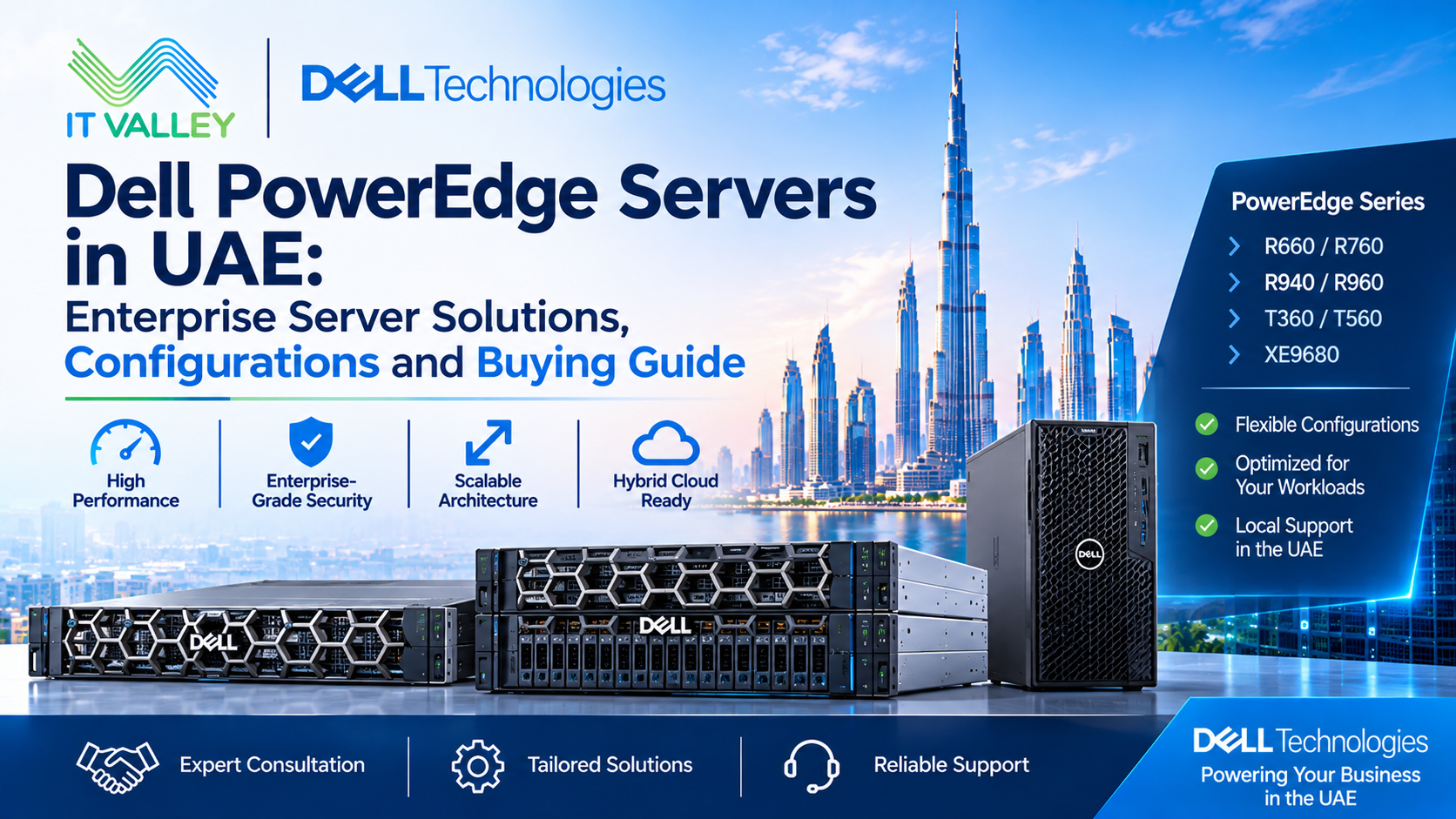
Dell PowerEdge Servers in UAE: Enterprise Server Solutions, Configurations and Buying Guide
Dell PowerEdge servers UAE buyers face the same awkward question every refresh cycle: what exactly should we order? A quote lists a model, a processor, memory, drives and a RAID card, and each line changes the price, the performance and the risk. Choose too small and you outgrow the server in a year. Choose too big and you pay for cores your software licences make expensive. This guide explains what PowerEdge servers are, how rack and tower models differ, how to size them for your workloads, and when an upgrade beats a new purchase. It comes from IT Valley, a Titanium Dell Partner with a Dubai office.
What are Dell PowerEdge servers, and what do companies use them for?
PowerEdge is Dell’s server family for businesses. It covers small tower servers for branch offices, rack servers for data centres, and high-density systems for AI and heavy compute. Companies use PowerEdge enterprise servers for:
running virtual machines and private cloud platforms
hosting databases and ERP systems
file, print, identity and email services
backup targets, analytics and AI inference
Management is built in. Every PowerEdge includes an iDRAC controller, which lets your team monitor hardware, update firmware and fix problems remotely, even when the operating system is down. That matters if your servers sit in a colocation facility across the city.
Rack servers and tower servers: which type fits?
Rack servers mount in a standard cabinet and are measured in rack units (U). Dell’s current 17th generation range includes models such as the R670 (1U) and R770 (2U) with Intel processors, and the R6725 and R7725 with AMD processors. According to Dell’s support documentation, this generation uses Intel Xeon 6500P/6700P and AMD EPYC 9005 processors. A 1U server saves rack space. A 2U server has more room for drives, expansion cards and GPUs.
Tower servers stand like a desktop PC. Models such as the T160, T360 and T560 suit small offices, clinics and retail branches that have no server room. They’re quieter, cheaper to place and easy to install. If you expect to grow into a rack, check whether the model can be converted, or plan to move to rack servers later.
A simple rule: choose tower for one site with a handful of applications, and choose rack when you need several servers, central management or data centre space.
How to choose the right server for your company
Start with the workload, not the model number. Then size by company profile:
Small business (up to about 50 users): one tower or compact rack server running file services, accounting and a few virtual machines. Add a UPS and a tested backup.
Mid-sized company: two or three rack servers in a virtualised cluster, for resilience and easy maintenance.
Large enterprise: multiple rack servers by role (compute, database, storage), with separate environments for production and testing, and a disaster recovery site.
Ask four questions before you configure anything: How many users and applications depend on it? How much downtime can you accept? How fast will data grow in three to five years? And where will it live, in a server room or a colocation facility? The answers narrow the choice quickly.
PowerEdge for virtualisation, databases, ERP and business applications
Virtualisation. Virtual hosts need many cores, plenty of memory and fast networking. Memory is usually the first limit, so size RAM by the total of your virtual machines plus headroom. Use 10, 25 or 100 GbE network cards depending on traffic. PowerEdge supports the main platforms, including VMware, Microsoft Hyper-V and Nutanix. If you’re reviewing your platform, our virtualisation team can help.
Databases. Databases care about memory, storage speed and, often, processor frequency. Use NVMe or fast SSD storage and RAID 10 for write-heavy workloads. Software licences usually count cores, so a higher-frequency processor with fewer cores can cost less overall.
ERP and business applications. ERP platforms need stable performance and a supported design. Check the vendor’s certification for your hardware and operating system. Keep production and test environments separate, and plan high availability for critical modules.
Branch and general services. Active Directory, file shares and print services run well on a small server. Mirror the operating system drives and keep a recent backup off the server.
The configuration factors that matter: CPU, RAM, storage and RAID
CPU. Don’t buy cores you can’t use. If your software is licensed per core, work backwards from the licence cost. For general virtualisation, a balance of core count and clock speed works well. For databases, favour frequency.
RAM. Populate all memory channels, because empty channels waste bandwidth. Current generations use DDR5, while older servers use DDR4, so you can’t reuse old memory. Leave slots free so you can add capacity later.
Storage. Choose by workload. NVMe drives suit databases and latency-sensitive systems. SAS or SATA SSDs suit mixed workloads. Large hard drives suit capacity-driven backups and archives.
RAID. RAID protects against disk failure, but it isn’t a backup. Common choices:
RAID 1 mirrors two drives, often used for the operating system. A Dell BOSS card can provide a dedicated mirrored boot.
RAID 5 or 6 balances capacity and protection for general data.
RAID 10 gives better write performance for databases and busy virtual machines.
Dell’s PERC controllers manage RAID in the server. Match the controller to your drive type and ask about cache and battery or flash protection.
When to upgrade instead of buying a new server
A new server isn’t always the answer. Upgrading often makes sense when the server is within support, the platform is current, and the bottleneck is clear. Typical examples:
adding memory when virtual machines are running out of RAM
adding drives or moving to faster SSDs
upgrading network cards to 25 GbE
updating firmware and the management layer
Replacement makes more sense when:
the server is near or beyond end of support or warranty
the CPU or memory type limits growth, for example when the server uses DDR4 and you need to move to DDR5
the power, cooling or rack space cost is high compared with a consolidated new server
licences would be cheaper on fewer, newer cores
you need features the old generation can’t offer, such as modern security or GPU support
Compare the total cost: upgrade parts, labour, risk and remaining lifespan against a new server with a fresh warranty. A short assessment usually settles the question.
Timing: 17th generation now, 18th generation later
Dell announced its 18th generation of PowerEdge in May 2026 and is releasing the new models in stages. The first models are high-end systems, and Dell’s timeline places other models later. For most mainstream projects with fixed deadlines, the 17th generation is the practical choice today. If you’re planning a large consolidation later, ask your supplier for current availability and UAE delivery dates. Our guide to Dell infrastructure solutions in the UAE covers this timing in more detail, and our guide to Dell servers in Dubai covers the model families.
What to check before you buy Dell servers in the UAE
Whether you search for a Dell servers supplier in the UAE or compare several quotes, check these points:
An itemised quote with exact model, processor, memory, drives, RAID controller and network cards.
Warranty and support level, including on-site response and how long it lasts.
Delivery time and installation scope.
Serial numbers and registration of the support entitlement.
VAT shown clearly.
Be cautious with grey-market or refurbished servers in production, because missing support turns a small fault into a long outage.
Why buy Dell solutions from IT Valley
IT Valley is a Titanium Dell Partner and a regional system integrator with about two decades of operations and offices in Egypt, the UAE, Saudi Arabia and the UK. We supply Dell servers to UAE businesses, and the work doesn’t stop at the quote. Our team helps you size the configuration, plan deployment and migration, and support the system afterwards. You can see our IT infrastructure solutions, our business continuity services and our managed IT services.
Request a Dell PowerEdge Server Quotation
Ordering the wrong configuration costs more later than getting it right now. Before you buy, tell IT Valley what you run and what you need, and we’ll size the server with you.
Send us three things:
Your workloads: virtualisation, databases, ERP, file services or AI, plus the number of users.
What you have today: current servers, their age, and any warranty or capacity problems.
Your timeline and location: server room or colocation, and the delivery date you need.
You’ll get a recommendation on model, processors, memory, storage and RAID, plus an itemised quotation with warranty terms and VAT, so you can compare it line by line.