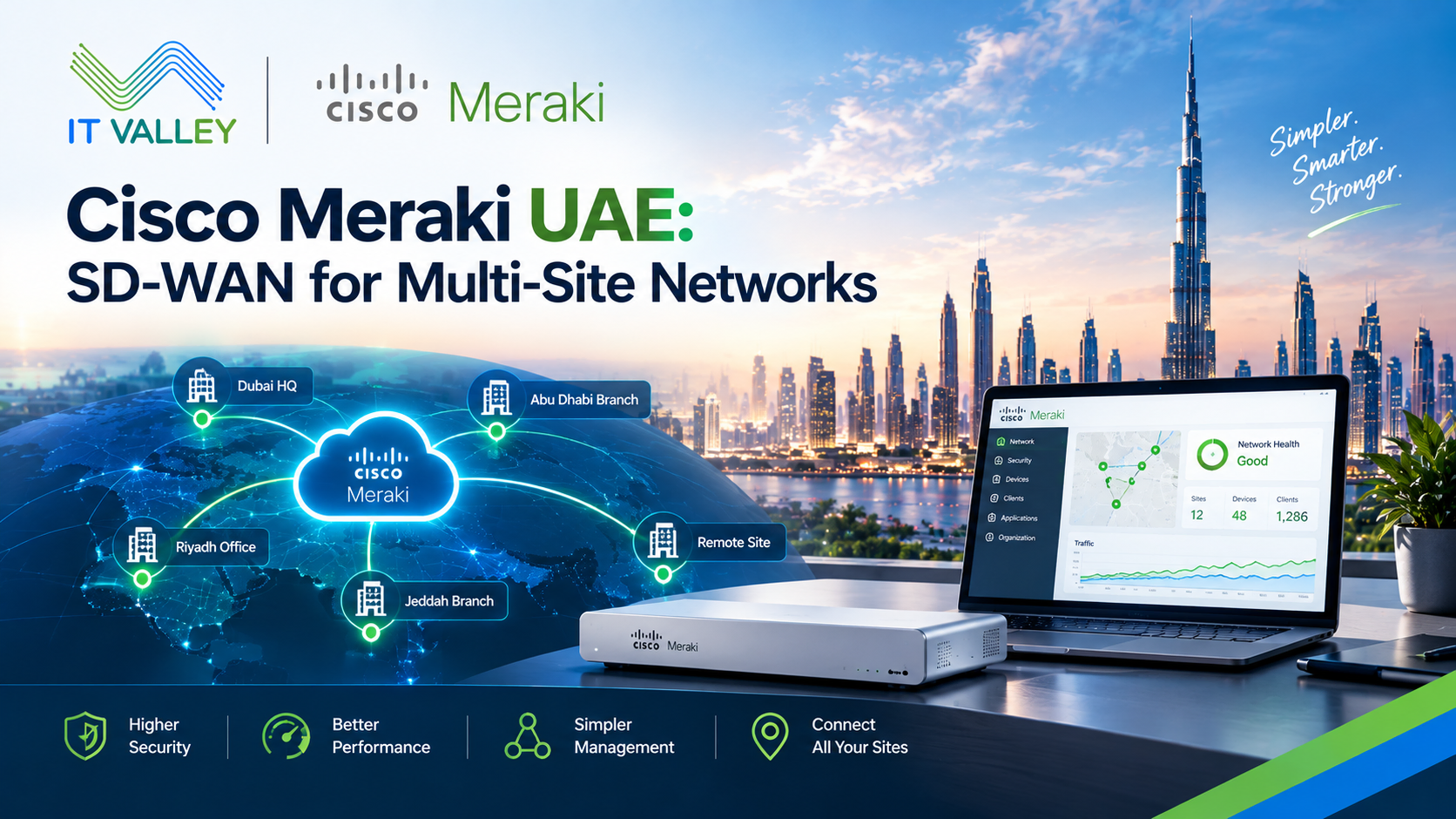
Cisco Meraki UAE: SD-WAN for Multi-Site Networks
Cisco Meraki UAE projects often start with a simple complaint. The branch in Sharjah is slow, the Abu Dhabi office loses its link twice a month, and nobody can tell why. When a business runs five or ten sites, small connection problems add up fast. Staff can’t reach the ERP, video calls freeze, and the IT team spends its week chasing tickets.
IT Valley deploys Meraki for multi-site businesses across Dubai and Abu Dhabi. Our Cisco Meraki UAE page covers the full product range, from switches to cameras. This post focuses on one part of the platform that solves the connection problem directly. Meraki SD-WAN, and how it works in a UAE setting.
What SD-WAN Actually Means
The name sounds technical, but the idea is simple. A WAN is the network that links your offices together. Traditionally, that meant one expensive private circuit per site, often an MPLS line, and a router that sent traffic down it.
SD-WAN replaces that rigid setup with software. It uses ordinary internet links, such as fiber or broadband, and decides in real time which link each type of traffic should use. A video call goes down the best path. A large file backup waits for a quiet moment. If one link fails, traffic moves to another without anyone noticing.
Why UAE Businesses Are Moving Away from Private Circuits
Dedicated circuits are reliable, but they’re expensive and slow to install. Opening a new branch can mean waiting weeks for a provider to run a line. For retailers, clinics, and restaurant groups that open locations often, that delay costs real money.
Internet connections are cheaper and faster to install. The usual worry is reliability, and that’s fair. A single broadband line can fail. SD-WAN solves the worry by using two links together, so the business gets private-circuit reliability at a lower cost.
Auto VPN: Connecting Sites Without the Pain
Linking offices securely used to mean building a VPN by hand. An engineer configured each device, matched encryption settings on both ends, and tested every connection. With ten sites, that’s a lot of manual work, and one typo can break a tunnel.
Meraki’s Auto VPN removes most of that effort. You turn it on in the dashboard, choose which sites connect, and the appliances build the secure tunnels themselves. Adding an eleventh site means plugging in a new appliance and ticking a box. The tunnel appears, and the new office joins the network.
This is why Meraki suits companies that grow quickly. The network design scales without a matching increase in engineering time.
Dual ISPs: Resilience You Can Count On
Most UAE businesses can choose between two main providers, e& and du. Using both at each site is one of the easiest ways to improve reliability. If one provider has an outage, the other keeps the office online.
Meraki appliances handle two internet links at once. They can share the load between them or keep one as a backup. The dashboard shows the health of each link, so you can see problems before staff complain. For sites where downtime is costly, such as a clinic or a trading desk, we also add a cellular backup link. It costs little and covers the rare case when both fixed lines fail.
Smarter Traffic: Putting the Right Data on the Right Link
Not all traffic is equal. A payment terminal needs a stable, low-delay connection. A software update can wait. Meraki lets you set rules for each type of traffic, and it can monitor the quality of each link in real time, measuring things like delay and packet loss.
If the main link starts performing badly, the appliance moves sensitive traffic to the better one automatically. This happens in seconds. Staff on a video call may never notice the switch. For UAE firms that rely on cloud apps like Microsoft 365 or a cloud ERP, that consistency makes the whole system feel faster.
One Dashboard Instead of Ten Separate Setups
Managing sites one by one is slow. Meraki puts every appliance, link, and tunnel on a single dashboard. You can see which site is online, which link is struggling, and which tunnel is down, all from one screen.
A configuration change can apply to every site at once. Need to block a risky website or update a rule? You make the change once, and every branch gets it within minutes. For a small IT team supporting many offices, that saves hours each week.
A Note on Data and Where It Travels
A question we hear often from UAE clients is about data. If Meraki is managed from the cloud, does all my traffic go through Cisco’s servers? The answer is no. The cloud dashboard handles management, such as settings and monitoring. Your actual business traffic flows directly between your sites and out to the internet.
That distinction matters for businesses with strict data rules. It doesn’t remove the need to review your regulator’s requirements, but it answers a common worry. For regulated sectors, we check this at the start of each project.
A Realistic Rollout for a Multi-Site UAE Business
Most of our projects follow the same simple path. We start with one pilot site, usually a mid-sized branch where a problem would be easy to spot. We install the appliance, connect both internet links, and watch the dashboard for a couple of weeks.
Once the pilot runs smoothly, we roll out to the other branches in small groups. This staged approach keeps risk low. If something unexpected shows up, it affects one office, not the whole company. Headquarters usually moves last, after the team trusts the new setup. Most businesses finish this process within a few weeks, depending on how quickly each internet line gets installed.
When Meraki SD-WAN Isn’t the Right Fit
We should be honest. Meraki is built for simplicity. If your network needs very deep custom routing, or your policy forbids cloud-managed equipment, a traditional design may suit you better. Large government and financial networks sometimes fall into this group.
Meraki also requires an active license for every device. If a license lapses, the device stops working properly. We track renewal dates for our clients and plan the cost over the full license term, so there are no surprises.
How IT Valley Deploys Meraki SD-WAN in the UAE
Site review first. We check each location’s internet options, bandwidth needs, and current problems before choosing any hardware.
Right-sized appliances. Each branch gets an appliance sized for its real traffic, not a guess.
Dual-link design. Two providers per site, with cellular backup where downtime is costly.
Clear traffic rules. Policies built around the apps your business really depends on.
Ongoing support. Monitoring, firmware, and license renewals continue after go-live.
Frequently Asked Questions
Can Meraki SD-WAN replace our MPLS circuits completely? In many cases, yes. Plenty of businesses move to dual internet links and keep one private circuit only at headquarters. We review each site before advising.
How fast can a new branch join the network? Once the appliance is powered on and online, it can join the existing network within hours. The slower part is usually waiting for the internet line itself.
Do we need two internet providers at every site? It’s not required, but it’s strongly recommended for important sites. A second link is a small cost compared with a day of downtime.
Talk to IT Valley About Meraki SD-WAN
Running several sites and tired of connection problems? Get in touch with IT Valley’s Cisco-certified engineers. We’ll review your sites and give you a straight recommendation, not a generic quote.